How to Turn Your Saved Instagram Reels and TikToks Into a Real Travel Itinerary
How to Turn Your Saved Instagram Reels and TikToks Into a Real Travel Itinerary
You know that moment when you suddenly realise you have saved 40 Instagram Reels about a place you want to visit?
One Reel shows a beautiful beach.
Another has a café you absolutely want to try.
Someone else recommends a hidden viewpoint.
Then there is a TikTok about a street market, another video about a day trip, and three more showing hotels you might stay in.
It all looks amazing.
But when you actually start planning the trip, you have a problem.
You have too many ideas and no actual plan.
This is becoming a normal part of travel planning. Social media is now one of the easiest ways to discover places, but saved content is not the same thing as an itinerary.
The good news is that you don’t need to throw away all those saved videos.
You just need to organise them properly.
Here is a simple way to turn your saved Instagram Reels and TikToks into a trip you can actually follow.
Start by Saving Content Without Trying to Plan Yet
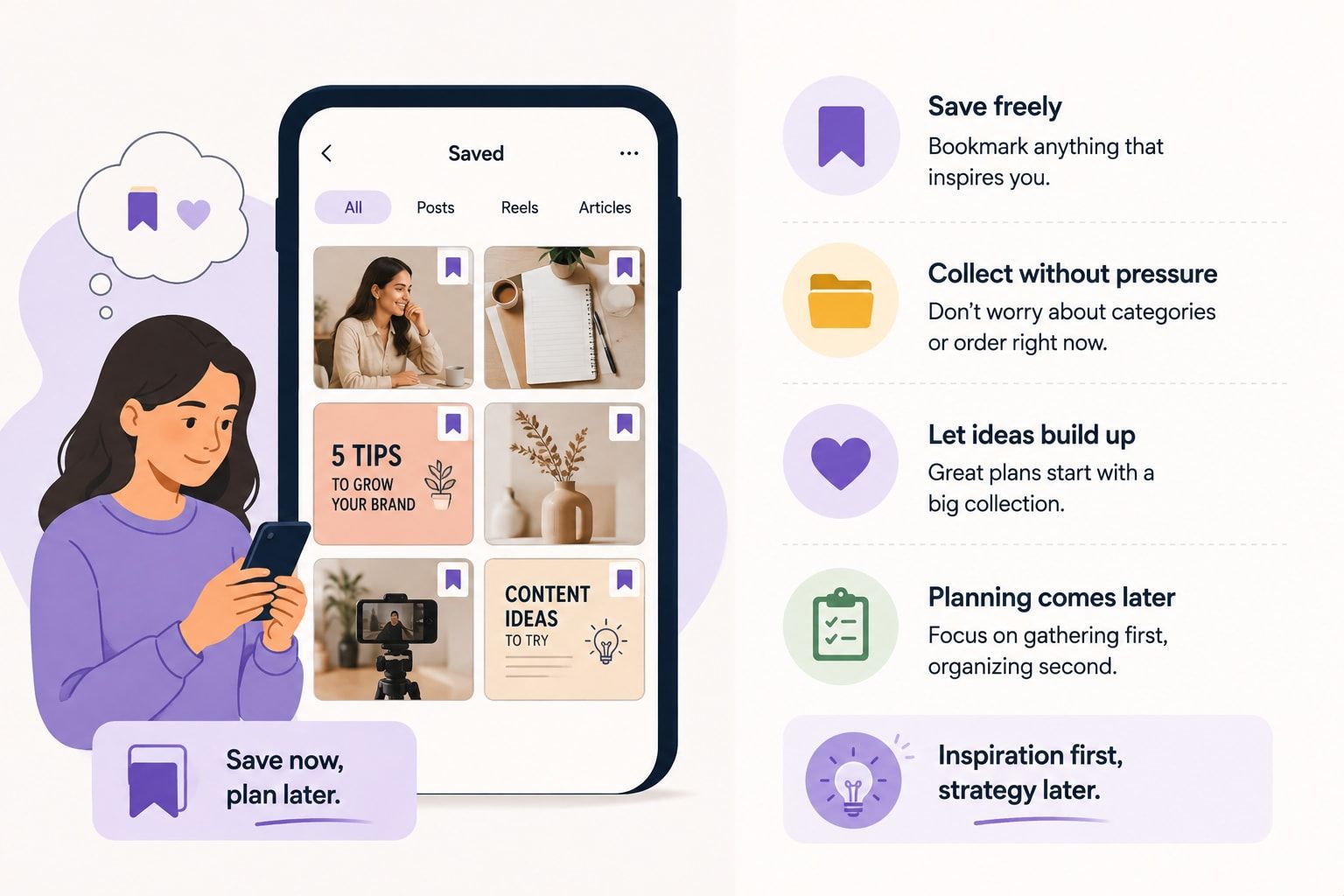
When you first start researching a destination, don’t immediately try to decide what you will do on Day 1, Day 2 and Day 3.
Just save things.
If you see a restaurant that looks good, save it.
If you find a beach, save it.
If someone shows a neighbourhood you have never heard of, save it.
At this stage, you are collecting ideas rather than making decisions.
This makes the research part much easier because you don’t have to stop every few minutes and ask yourself, “Where will this fit?”
You can figure that out later.
One useful habit is to save the video and write a very short note if the platform allows it.
For example:
- “Good for sunset”
- “Near old town”
- “Breakfast”
- “Maybe Day 2”
- “Looks good for couples”
- “Check price”
These tiny notes can save you a lot of time later.
Don’t Treat Every Reel Like a Recommendation You Must Follow
This is probably the biggest mistake people make.
You see a creator enjoying a place, so you automatically add it to your trip.
Then another creator recommends something else.
Soon your three-day trip has 27 places.
You don’t need to visit everything you save.
A Reel is inspiration.
It is not a command.
Ask yourself:
Would I still want to visit this place if I had not seen the video?
If the answer is yes, keep it.
If you are only interested because the video looked beautiful, put it into a “maybe” list.
That one small distinction can make trip planning much easier.
Create Three Simple Lists From Your Saved Content
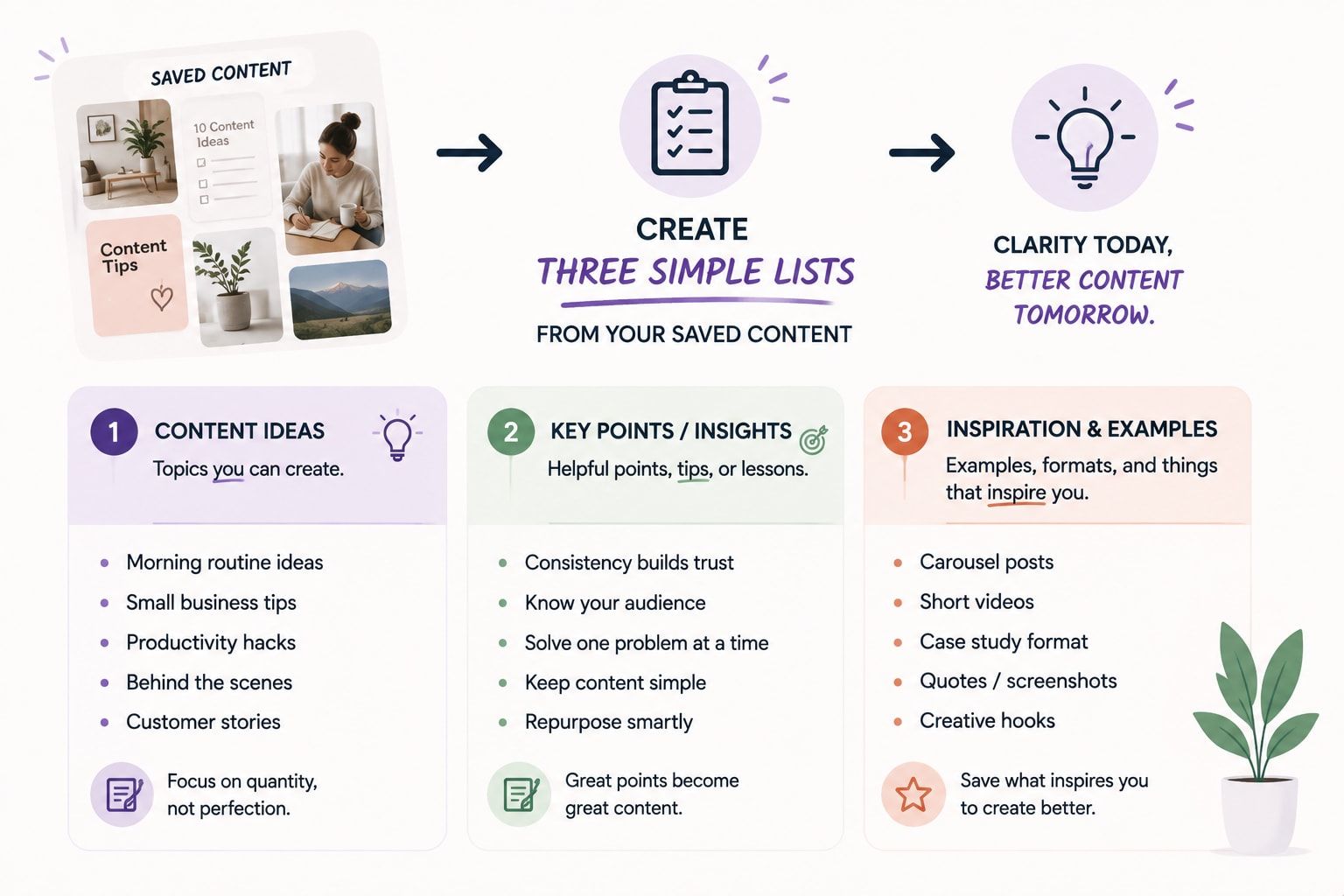
Once you have enough saved content, go through it and divide the places into three groups.
Must Visit
These are the places you genuinely don’t want to miss.
Maybe it is a famous attraction, a restaurant you have wanted to try for years, or something that is the main reason you are visiting the destination.
Keep this list short.
For a four-day trip, you probably don’t need 15 “must visit” places.
Would Be Nice
These are places you would enjoy if they fit naturally into the day.
A café near your hotel could go here.
A market close to another attraction could go here.
A viewpoint that is slightly out of the way could also go here.
These are flexible.
Maybe Next Time
This is an underrated list.
Not everything needs to fit into this trip.
Some places can simply stay on your list for another visit.
This stops you from trying to squeeze everything into one holiday.
Look at Where the Places Actually Are
Now comes the part that turns saved content into an itinerary.
Open a map.
Start putting your saved places on it.
You may suddenly notice something important.
Five places you saved are actually within a 15-minute walk of each other.
And two other places are on the opposite side of the city.
This is why planning directly from Reels can become inefficient.
The videos show you individual places.
They don’t always show you how those places fit together geographically.
Try grouping your saved locations by area.
For example:
Area 1
- Breakfast café
- Market
- Museum
- Shopping street
Area 2
- Beach
- Beach club
- Sunset viewpoint
Now your itinerary starts becoming much more realistic.
Build Your Day Around One Main Experience
Instead of trying to fill every hour, choose one main thing for each day.
For example:
Day 1: Explore the old town
Day 2: Beach day
Day 3: Day trip
Day 4: Food and shopping
Everything else can be added around that main activity.
This is much better than making a list like:
8:00 breakfast
9:00 museum
10:30 café
11:15 market
12:00 shopping
1:00 lunch
2:00 another attraction
3:00 viewpoint
4:00 beach
It may look productive on paper.
In real life, you will probably be tired by lunch.
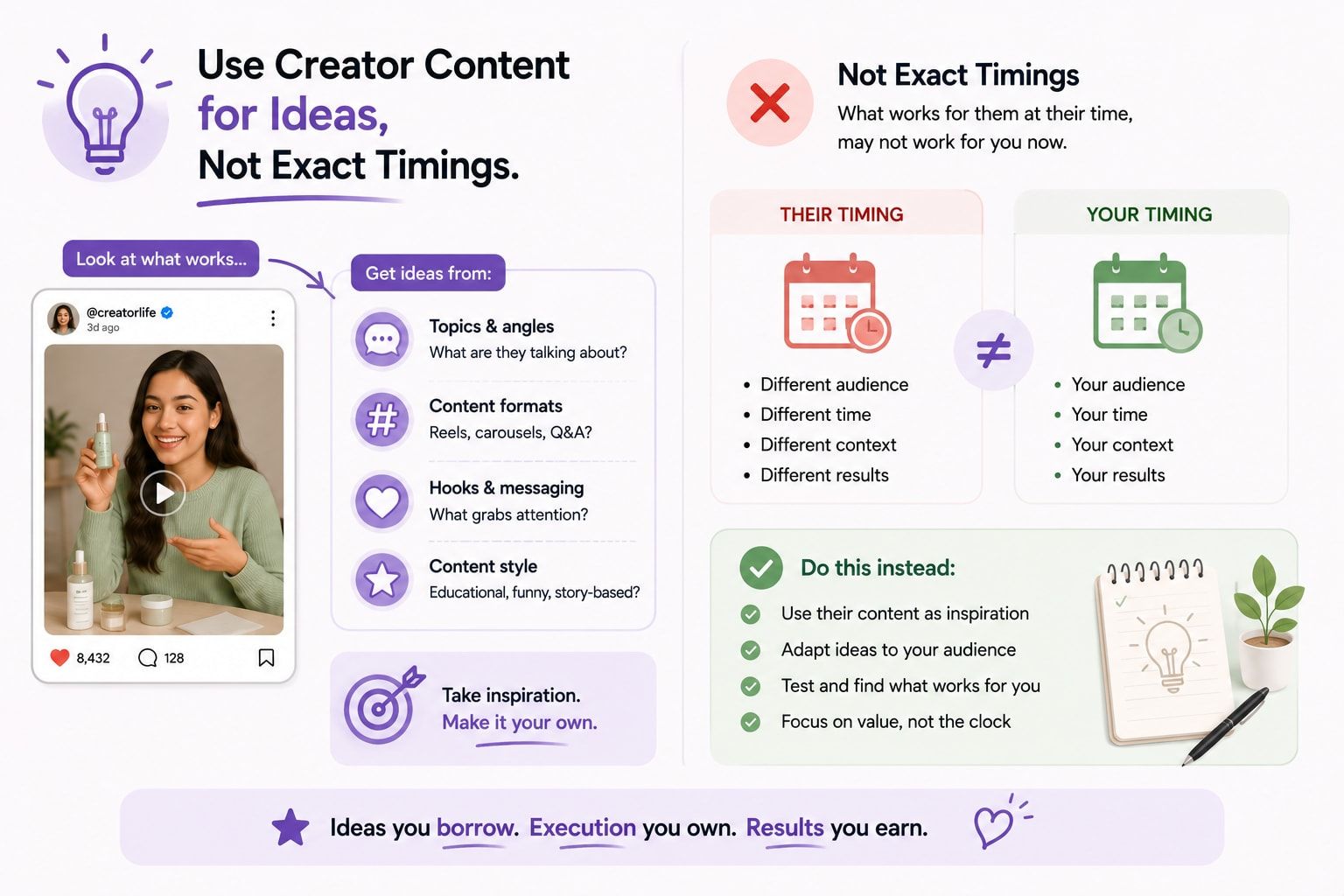
Use Creator Content for Ideas, Not Exact Timings
Travel creators often make places look closer and easier to reach than they really are.
A 20-second Reel can show:
Breakfast → beach → waterfall → restaurant → sunset
It looks like a normal day.
But there may have been hours of driving between those locations.
Don’t copy the timing from the video.
Instead, copy the idea.
If a creator visits a beautiful viewpoint at sunset, make a note that the viewpoint may be good for sunset.
Then check the actual travel time, opening hours and location before putting it into your itinerary.
Check the Date of the Video
This is another thing people forget.
A Reel can keep getting views for years.
But restaurants close.
Hotels change prices.
Attractions change their opening hours.
Some places become extremely crowded.
Some experiences stop operating completely.
Before adding an important place to your itinerary, check whether the information is still current.
The Reel can tell you why you might want to go.
Other current information should tell you whether you can actually go.
Don’t Plan Your Trip Around Viral Places Only
Social media naturally pushes popular content.
That means you may end up with an itinerary full of places that thousands of other tourists have also saved.
There is nothing wrong with visiting popular attractions.
But mix them with places that fit your own interests.
If you love food, save local food spots.
If you like photography, look for quieter viewpoints.
If you prefer slow travel, look for neighbourhoods where you can simply walk around.
Your itinerary should reflect your trip, not just the algorithm’s idea of a perfect holiday.
Leave Some Empty Space
This sounds strange when you are planning a trip, but empty time is useful.
Maybe you discover a small café while walking.
Maybe the weather changes.
Maybe everyone is tired.
Maybe you simply like a neighbourhood more than expected and want to stay longer.
If every hour is already booked, you can’t easily make those decisions.
Try leaving at least a little free time every day.
A good itinerary should give you direction without controlling your entire day.
Turn Saved Restaurants Into Useful Groups
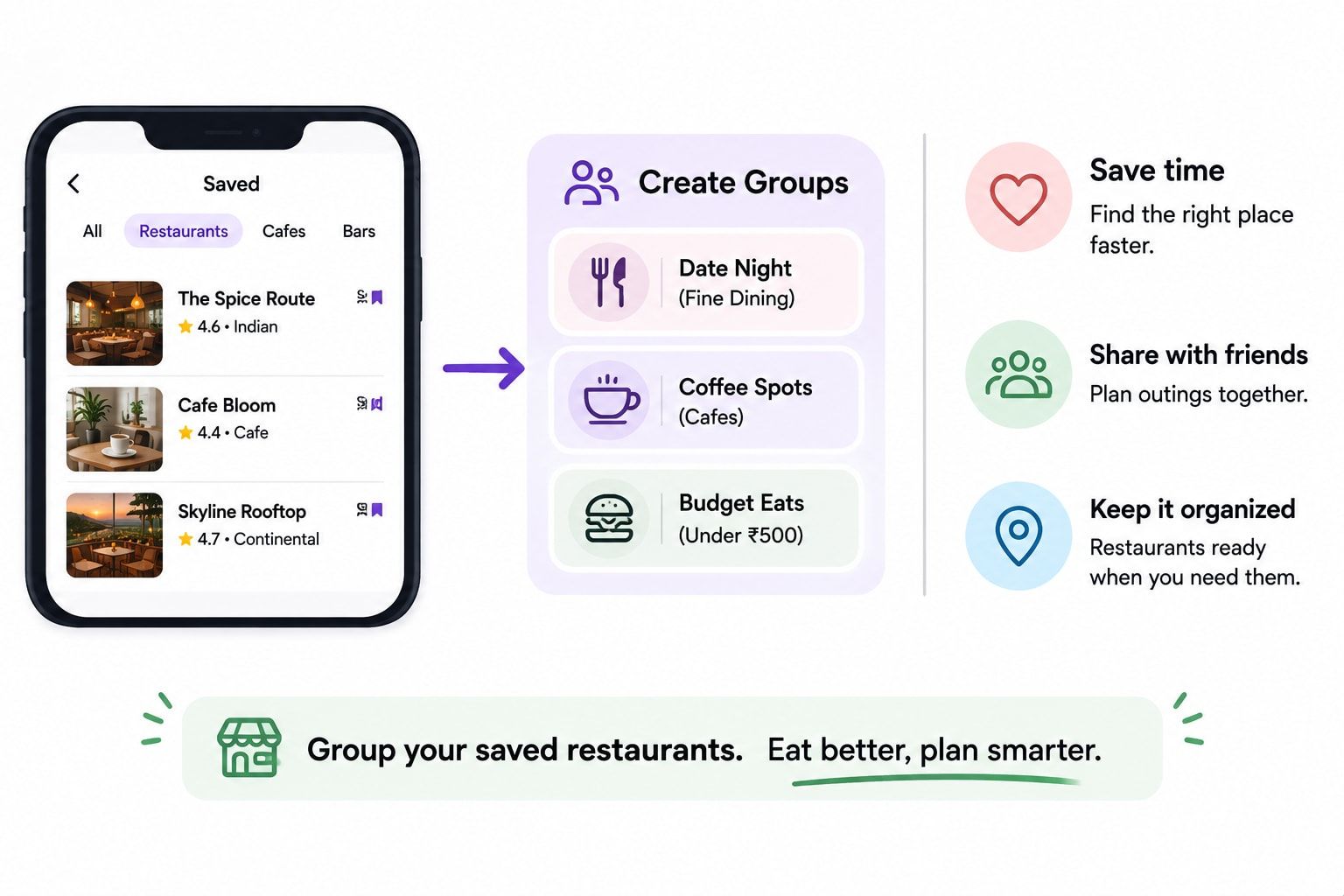
Don’t just make one huge list called “Restaurants.”
Organise them based on location or purpose.
For example:
Near the hotel
- Breakfast
- Quick dinner
- Coffee
Near the beach
- Lunch
- Sunset drinks
Near the old town
- Local food
- Dessert
- Dinner
This makes the list much more useful once you are actually travelling.
You don’t have to search through 30 saved restaurants when you are already hungry.
Keep a Backup for Important Plans
Let’s say your entire Day 2 is based around an outdoor activity.
What happens if it rains?
Have a simple backup.
It doesn’t need to be another full itinerary.
It could be:
**Outdoor plan:
**Beach + viewpoint + sunset
**Backup:
**Museum + café + shopping + dinner
This is especially useful for trips where weather can change quickly.
Put Travel Time Into the Itinerary
One of the biggest differences between a social media itinerary and a real itinerary is travel time.
Don’t write:
10:00 — Attraction A
11:00 — Attraction B
if it takes 45 minutes to get between them.
Instead:
10:00 — Attraction A
11:15 — Travel
12:00 — Attraction B
You don’t have to make everything exact down to the minute.
You just need enough space so the plan is realistic.
Turn Your Saved Videos Into a Day-by-Day Plan
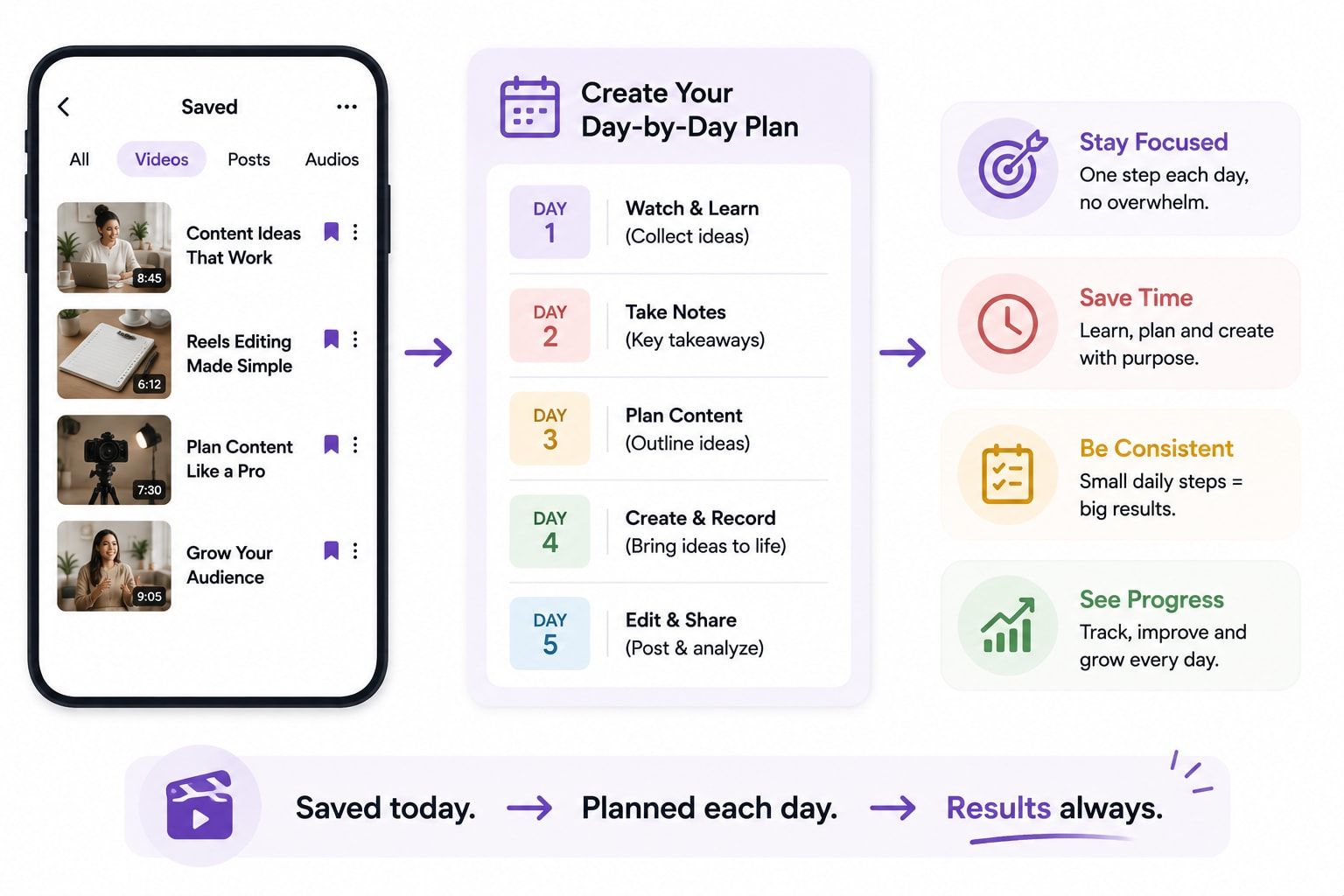
Once you have sorted your places, you can finally start building the itinerary.
A simple structure is:
Day 1 — Arrival and Easy Exploration
Don’t plan your biggest activity immediately after landing.
Check in, eat something, walk around the nearby area and get familiar with the destination.
Day 2 — Main Area
Group several saved places that are close together.
Add one or two food options nearby.
Day 3 — Main Experience
This could be a beach day, day trip, hiking experience or another activity that needs more time.
Keep the rest of the day lighter.
Day 4 — Flexible Day
Use this day for places you couldn’t fit earlier.
You can also revisit something you particularly enjoyed.
The exact structure will obviously depend on your destination and trip length.
The important thing is that each day has a clear purpose.
A Simple Example
Imagine you are planning a trip to Bali.
You have saved Reels about:
- A beach club
- A waterfall
- A rice terrace
- A coffee shop
- A temple
- A sunset viewpoint
- A local restaurant
- A market
Instead of randomly putting all eight places into four days, look at their locations.
You might decide:
**Day 1:
**Arrival + nearby restaurant + easy walk
**Day 2:
**Rice terrace + coffee shop + nearby temple
**Day 3:
**Waterfall + local restaurant
**Day 4:
**Beach club + sunset viewpoint
**Day 5:
**Market + flexible evening
Now the saved content has become an actual trip.
It isn’t perfect.
And that’s the point.
It is realistic enough to follow while still leaving room to change things.
What About All Those Videos You Didn’t Use?
Keep them.
You don’t need to delete them.
Create a separate collection for:
“Next Trip.”
Some of the places you saved may actually be better for another visit.
This also makes future trip planning much easier because you already have a starting point.
You Can Also Let AI Do the Organising
If you have hundreds of saved videos, doing everything manually can take a long time.
This is where travel-planning tools can help.
Instead of starting with a blank itinerary, you can bring your travel ideas together and then let an AI travel planner help organise them around your destination, preferences and available days.
The important part is still your input.
AI should help organise the ideas, not decide what your entire holiday should look like.
How Turom Can Help Turn Inspiration Into a Trip
This is one of the problems Turom is built around.
Instead of letting travel Reels stay buried in your saved folder, Turom lets you turn travel inspiration into an actual itinerary. Its website describes a “Reel to Itinerary” feature where a travel Reel can be turned into places, days and experiences that fit into a trip.
You can also plan with Turom’s AI and adjust the itinerary instead of simply accepting a fixed list of recommendations.
So the process can become much simpler:
See something you like → save it → turn the idea into your trip → organise the days → adjust the plan.
That is much more useful than having 100 saved videos that you never look at again.
You can explore Turom if you want to turn your travel inspiration into a more practical, day-by-day travel plan.
Final Thoughts
Instagram and TikTok are actually great places to discover travel ideas.
The problem isn’t the content.
The problem is what happens after you save it.
If you keep saving videos without organising them, you end up with a giant collection of places that all look interesting but don’t form a realistic trip.
Start by saving freely.
Then remove the places you don’t really care about.
Group the rest by location.
Choose one main experience for each day.
Add nearby food and smaller activities.
Check travel time.
Leave some empty space.
And most importantly, don’t feel like you have to visit every place that appeared on your feed.
The best travel itinerary isn’t the one with the most saved places.
It’s the one you can actually enjoy.
FAQs
How do I turn Instagram Reels into a travel itinerary?
Start by saving the Reels you genuinely like. Make a list of the places mentioned, check where they are on a map, group nearby places together and then build your days around those groups.
Can TikTok videos be useful for trip planning?
Yes. TikTok can be useful for finding restaurants, attractions, neighbourhoods, activities and practical travel ideas. Just remember to verify important details because videos can become outdated.
Should I visit every place I save?
No. Saved content should be treated as inspiration. Choose the places that genuinely interest you and leave the rest for another trip.
How many activities should I plan in one day?
There isn’t a fixed number. It depends on the destination and the type of activities. A better approach is to choose one main experience and then add a few nearby, flexible activities.
How do I know if two places belong on the same day?
Check their location and travel time. If they are reasonably close, they may work well together. If they are on opposite sides of the city, putting them on the same day may waste a lot of your travel time.
Should I copy the itinerary from a travel creator?
Not exactly. Use creator content to discover ideas, but create your own itinerary based on your dates, budget, interests, hotel location and travel pace.
What should I do with places that don’t fit my itinerary?
Put them into a “next trip” or “maybe” list. You don’t have to remove good ideas just because they don’t fit this particular trip.
How can I avoid an itinerary that is too busy?
Leave gaps between major activities and avoid crossing the city repeatedly. Build your days around areas rather than individual viral locations.
How important is travel time when planning from Reels?
Very important. A short video can make several places look like they are close together when they may actually be far apart. Always check the real travel time.
Can AI help organise saved travel content?
Yes. AI travel-planning tools can help organise destinations, activities and preferences into a more structured itinerary. You should still review the final plan and make sure it matches your actual travel style.
Can Turom turn travel inspiration into an itinerary?
Yes. Turom’s website specifically describes its Reel to Itinerary feature, which is designed to turn travel Reels into places, days and experiences that can be organised into a trip.
Is a detailed itinerary always better?
Not necessarily. A useful itinerary should give you enough structure to know what you are doing without making the entire trip feel like a timetable. Some free time can make a trip much more enjoyable.